


White Friday: 10% OFF on all Items. COUPON: FRIDAY10 Get It Now >>

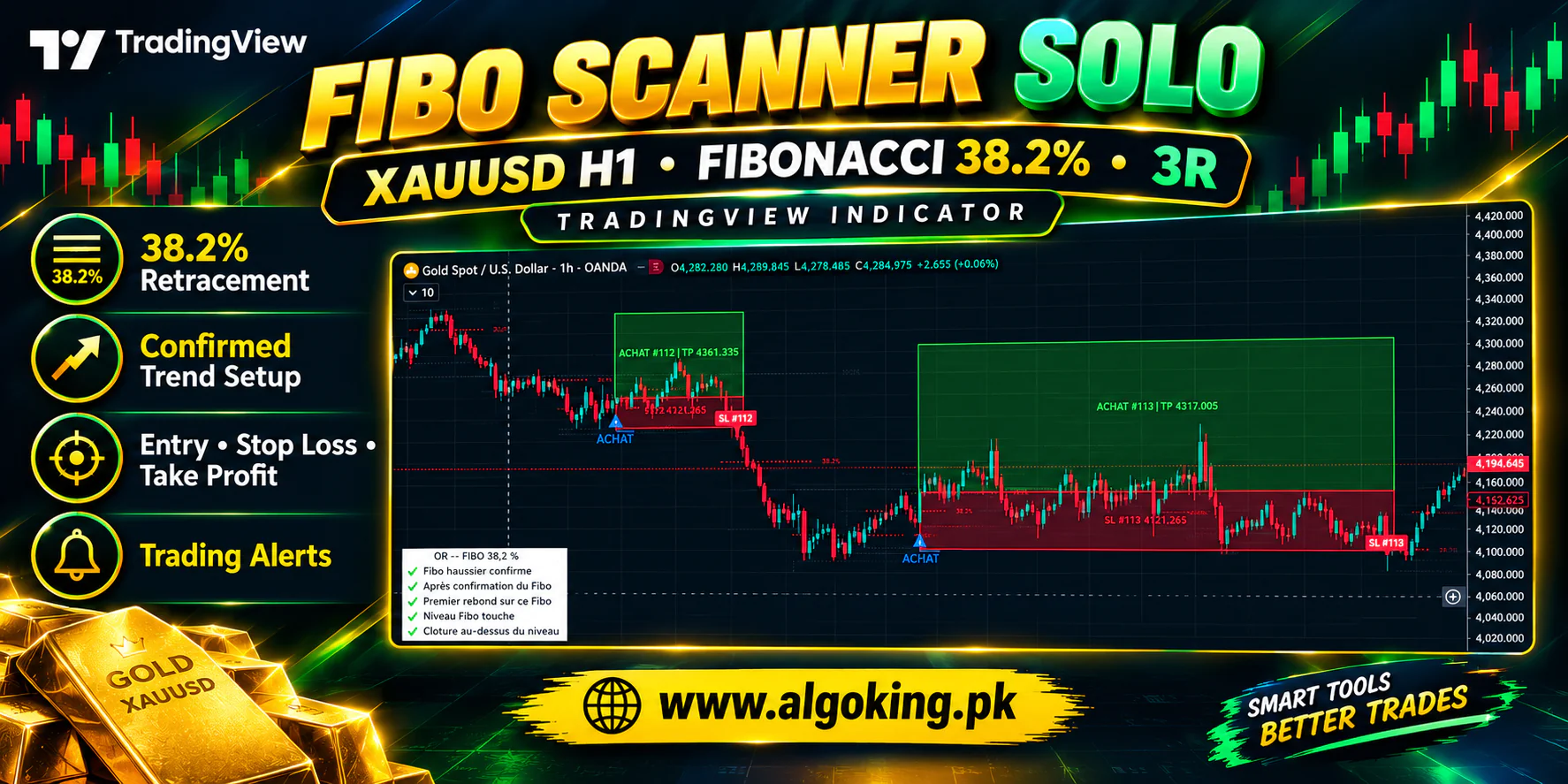
Fibo Scanner Solo – Gold XAUUSD H1 Fibonacci Buy Indicator

(7 Reviews)
-
93 Sales
Fibo Scanner Solo – Gold XAUUSD H1 Fibonacci Buy Indicator

Fibo Scanner Solo – XAUUSD H1 Fibonacci 38.2% Buy Indicator

Fibo Scanner Solo is a TradingView Pine Script v6 indicator built for Gold (XAUUSD) on the H1 timeframe. It automatically detects confirmed bullish swings, draws the Fibonacci levels, and signals a buy when price makes its first bounce from the 38.2% retracement level, with a fixed 3R target.
How the Strategy Works

  • Pivot detection: swing highs and lows are confirmed with 2 candles on each side (adjustable).
  • Trend filter: a bullish setup is valid only when the structure shows a Higher High and a Higher Low.
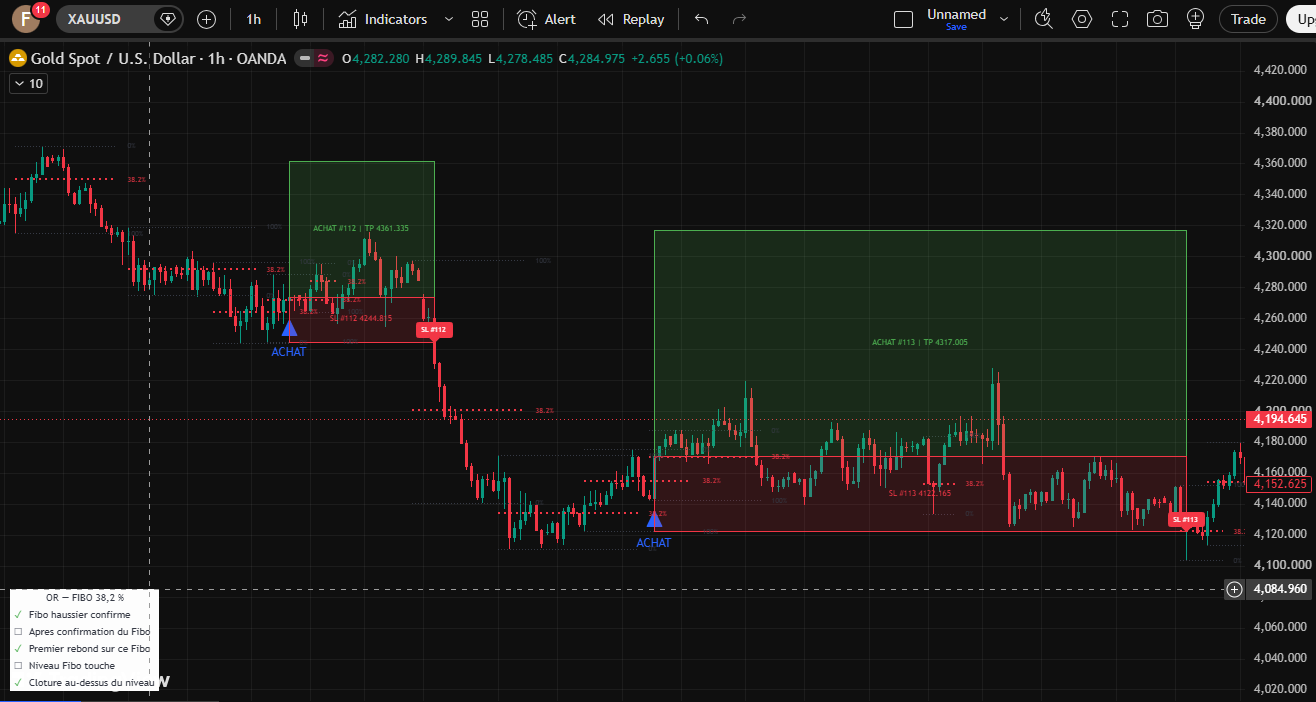
  • Entry: price touches the 38.2% Fibonacci level and the candle closes above it.
  • One signal per Fibo: only the first bounce on each Fibonacci is taken, which avoids repeated entries.
  • Stop Loss: placed at the origin (swing low) of the Fibonacci move.
  • Take Profit: fixed at 3R (reward-to-risk ratio is adjustable).
  • Invalidation: if the origin is broken or the trend structure changes, no new trade is taken until a new confirmed move appears.

Key Features

  • Automatic Fibonacci drawing with 0%, 38.2% and 100% levels (38.2% highlighted in red)
  • Buy signals with a clear "ACHAT" marker on the chart
  • Green and red boxes showing the Take Profit and Stop Loss zones for every signal
  • TP / SL result labels on closed signals
  • Option to keep or hide old Fibonacci levels (up to 60)
  • Dynamic alerts that include Entry, SL and TP prices
  • Built-in trading plan checklist table (automatic or manual mode), placed in any chart corner
  • Conservative handling when SL and TP are both hit in the same candle (counted as SL)
  • Signals are calculated on confirmed candle close

Adjustable Settings

  • Pivot confirmation candles
  • Entry retracement level (23.6%, 38.2%, 61.8%, 78.6%)
  • Reward target in R
  • Number of Fibonacci levels and finished signals to keep on chart
  • Alert messages on/off
  • Checklist position, size and colors

Best Used On

  • Symbol: XAUUSD (Gold)
  • Timeframe: H1 (can also be tested on other pairs and timeframes)
  • Platform: TradingView (Pine Script v6, overlay indicator)

How to Install

  1. Open TradingView Chart and open the Pine Editor.
  2. Paste the indicator code and click "Add to chart".
  3. Select XAUUSD and the H1 timeframe.
  4. Create an alert from the indicator to receive Entry, SL and TP notifications.

Learn More

Important Notice

This is a visual scanner only. It does not place real orders and does not connect to any broker. Signals are theoretical and based on OHLC data. Past performance does not guarantee future results. Trading Gold involves high risk, so always use proper risk management. This tool is for educational and analysis purposes and is not financial advice.

How may I help you?
WhatsApp Support Here